Showing posts with label Interactive. Show all posts

Monday, June 5, 2023

Happy Birthday interactive card by Sharon Caudle

 Hello AI Fans!!


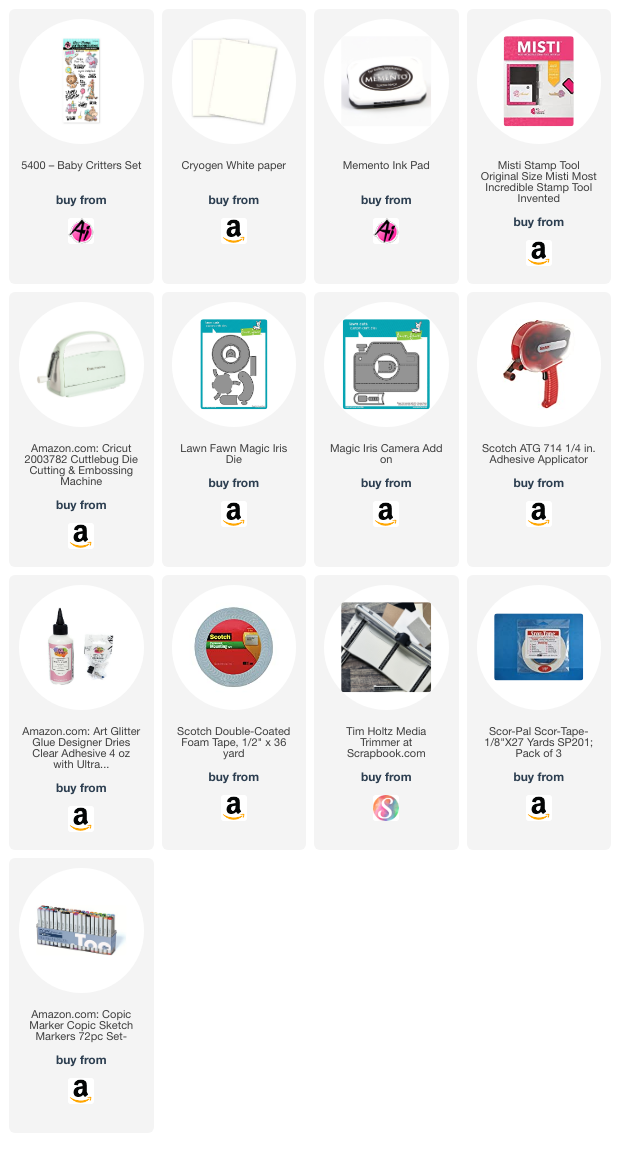
How many of you love interactive cards? I raise both of my arms, and if I could raise my legs without falling on my behind, I'd raise those too! LOL!  I love dimension, and I love interactive! That's what I've got for you today! I used a magic iris die and a camera add on to create this cute and fun birthday card. I hope you love it as much as I do! For the images, I used the adorable 5400 Baby Critters Set from Art Impressions. This is the cutest birthday set! I've used it so many times, and I'm not about to stop! LOL! So here's some pictures, and I've shown you several as the shutter opens on the front of the card as the handle is pulled down on the right. 


Isn't that just too much fun??!!  Thanks so much for stopping by today and until next time - stay crafty!!


Copics used:

YR02, YR04, YR07

YG21, YG23, YG25

R20, R24, R27, R29

V22, V25

B000, B00

E21, E23, E25, E51, E53

Y13, Y17

C2, C3, C4, C5, C7

Monday, March 6, 2023

Interactive card with 5283 Frog Set by Sharon Caudle

 Hello AI Fans!!

Have you created your card or project for the Green Galore Challenge?  Today, I'm showing you the card I made using #5283 Frog Set from the Funny Farm line at Art Impressions.  This Frog Set is so much fun to play with! I got a  peek a boo pop up die set in January, and I've been wanting to use it. I think interactive cards are my favorite because they make a handmade card so fun! I've always leaned toward bright colors and fun or funny cards. They just make my heart smile!! So that's what I set out to do. There is the cutest leaping frog in this set and I knew exactly how I wanted to use him.  Take a peek at this video and make sure to listen with sound! LOL!  We definitely have a photo bomber on our hands!! heehee 


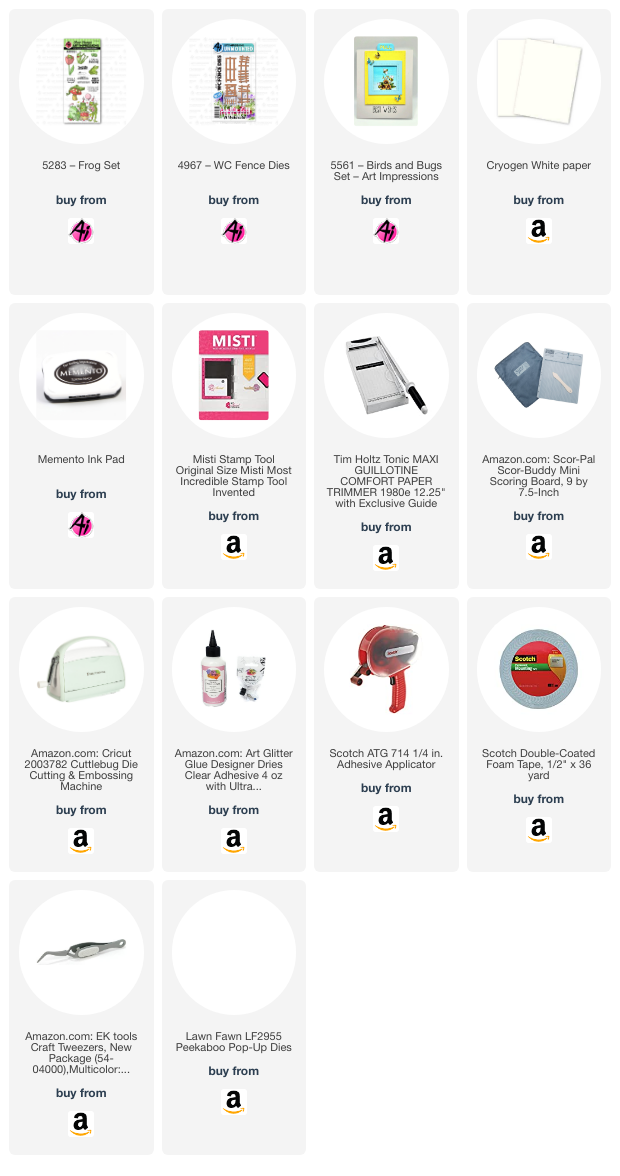
These cards are really pretty easy to make and there will be a link to the peek a boo pop up die in the LinkDeli list below. So for my card, I just cut a piece of blue and a piece of green cardstock and then used a hillside die to cute the green piece.  I stamped the Frog Set with Memento ink onto Cryogen White paper and colored them with Copic markers and then fussy cut them out. and glued the party of three to the front of the card. I then cut serveral fence pieces out of white paper and glued them along the top of the green cardstock on the card front. To finish it up, I cut the sun and clouds, and used some images from #5561 Birds and Bugs Set to finish it off. This was s super fun card to make and I really hope the recipient enjoys it as much as I do! 


Thanks so much for stopping by for a visit today, and until next time - stay crafty! 


Copic markers used:
Y colors - 02, 17, 18, 35, 38
B colors - 000, 14, 16
R colors - 02, 20, 22 24, 27, 29
E colors - 21, 23, 33, 81, 84
YG colors - 01, 03
YR02
T1
G0000


Monday, July 25, 2022

Best Day Ever interactive card by Sharon

 Hello AI Fans! 


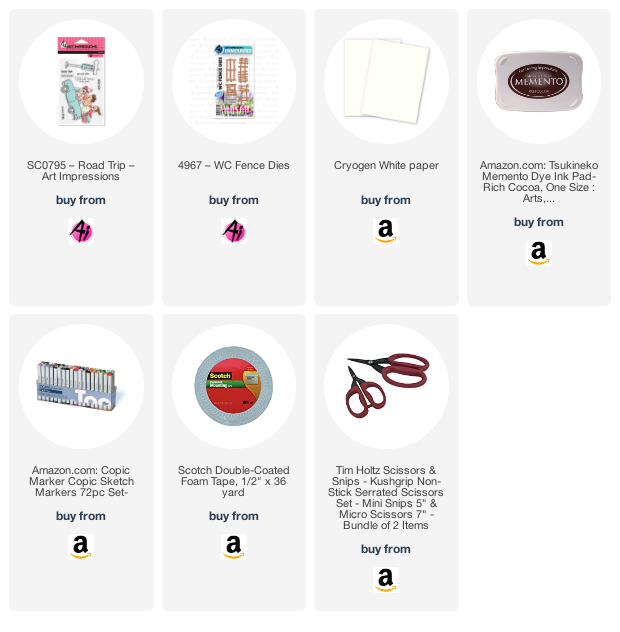
Today's card features SC0795 Road Trip from Art Impressions and it goes right along with the current AI Challenge of Summer Fun!  Is there anything more fun than going on a road trip with your Besties? I wanted to make this card interactive, but I wanted it to look like the car was actually rolling down the road instead of you seeing the sliding mechanism.  So I did a little googling and I love how it turned out! What can I say, interactive cards are always my favorite. Hopefully this video works and I apologize for the background noise...I forgot I had my little desk fan on.


Here's a picture with the slide tab open on the bottom where the call is pulled over to the left. I stamped Best Day Ever on it so it's only visible once it is pulled out. 


Here you get a little peek at the inside which I decorated as well.  Can you see the cute little Art Impressions Freebie? :) 


I also used the Art Impressions Fence dies on the inside decoration. You can see a little peek of it below. 


Thanks so much for stopping by today and hope you have a great week! See you next time! 


Tuesday, December 14, 2021

Snowman Wheelie Card by Jil Lebel

Hello Ai fans!

I used the Snowman Wheelie stamp and die set to make an interactive Christmas card.  There is a lever inside that moves the front wheel and the snowman's legs. .
I started by stamping the images onto Spectrum Noir Ultra Smooth card stock with Gina K Black Amalgam ink and colored them with Copic markers.  The colors I used will be listed at the end of this post.  I then cut the images out with the matching dies that come in the set.
  I stamped the greeting onto a thin strip of white card stock using Versafine Clair Nocturne ink. 
To finish the card I put together the snowman following the directions on the packaging. I added a piece of patterned paper to a white A2 card and cut the hole for the wheel.  I added the snowman layer and attached the inside piece to the foam tape on the back of the wheel.


Thanks for stopping by and Have a Great Day!


Tuesday, October 5, 2021

Santa Twister Mini Slimline Card


Hello Ai fans!

I'm back on the Art Impressions blog after a short break.  I have really been wanting to make some Christmas cards and Ai has a bunch of great images to choose from. I used the Santa Twist Stamp and Die set along with the Twist Frame Die to make this interactive Mini Slimline card. 
I started by stamping the images onto Spectrum Noir Ultra Smooth card stock with Gina K Black Amalgam ink and colored them with Copic markers.  The colors I used will be listed at the end of this post.  I then cut the images out with the matching dies that come in the set.
 I stamped the greeting onto a thin strip of white card stock using Versafine Clair Nocturne ink. 
I make a mini slimline card with white card stock.  It measures 6 1/8" x 3 1/4".  For the layers I used the Mini Slimline  envelope and Nested Card Creators dies from Spellbinders. I cut the largest layer from green glitter paper.  I also cut the patterned paper layer from the same Die set. I attached both layers together and used the Twist Frame Die to create the opening.  I lined the opening up on my card front and also cut an opening into my card.  The opening is edged with a green glitter pen from Marvy.  I also added a layer of patterned paper to the inside of the card.  I attached the greeting with foam tape and inserted the twist Santa into the opening. 
Copic Colors Used:
Skin - E11, E000, R81
Black - C7, C5, C3
Gray - C5, C3, C1
Green - YG67, YG63, YG61
Red - R37, R27, R05
Yellow - YR21


Thanks for stopping by and Have a Great Day!

Tuesday, February 16, 2021

Loads of Fun Interactive Card by Jil Lebel


Hello Ai fans!

I used the Loads of Fun Stamp set to create this interactive card.  As you pull the pink tab, the lady surfs across the card to reveal a hidden image.  I'm going to break down the steps for you in this post.
I started by stamping the images onto Spectrum Noir Ultra Smooth card stock with Gina K Black Amalgam ink and colored them with Copic markers.  The colors I used will be listed at the end of this post.  I then cut the images out with Cutterbee scissors.
I used Mermaid Lagoon Distress ink over a Tim Holtz stencil for the blue piece of paper.  It's cut to 51/4" x 4" I used a MFT Brick stencil on a smaller piece of paper with Fired Brick Distress ink. It is cut to 51/4" x 11/4".  They will fit on top of an A2 card.
The blue piece of paper is 5"1/4" x  4".  Working on the back mark a half inch from the bottom and a half inch from the side.
Add a slit to each side at the middle of both marks.  I used an old Stampin' Up! punch.  You can use a craft knife or a die.
Cut a strip from a storage bag so that it fits into the slits you made.  Add a piece of double stick tape to one end and pull the other side over it.  Don't make it too tight.  Then pull the piece that you used to join the plastic all the way over to the right hand side of the paper back.  Add another piece of double sided tape right over the joint. 
Attach a piece of cardstock over the double sided tape.  The cardstock is cut to 51/4" x 3/4".
Apply foam tape all over the back of the card.  Be sure to leave a gap for the pull tab.  Attach everything to an A2 card.
Flip the card over and attach the main image to the far right side of the slider.  Add foam tape to the bottom and sides of the card where the brick will cover.  Do not add any foam tape to the top of the slider or the image wont move. Hide everything with the brick paper. Then add your other images flat to the card.


Copic Colors Used:
Skin Tone - E04, E11, E00, E000, RVoo
Grays - C5, C3, C1, C0
Green - YG63, YG61, YG03
Blue - B05, B93, B91, BG000
Pink - R65, R63, R61
Basket - E37, E35, E33, E31
Dog - YR27, YR24, YR21

Thanks for stopping by and Have a Great Day!


Tuesday, February 9, 2021

Sending Love Cubbie Card by Jil Lebel


Hello Ai fans!

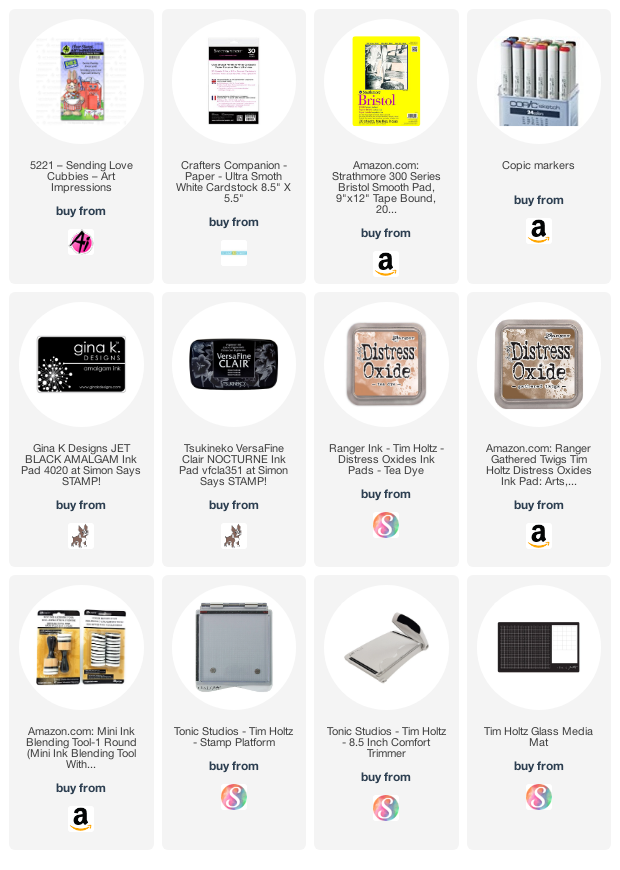
I used the Sending Love Cubby stamp and die set. The cute bunny has a spot to tuck in the accessories.  I chose the flower and heart shaped candy box, but there are several different choices for you to use.
I started by stamping the images onto Spectrum Noir Ultra Smooth card stock with Gina K Black Amalgam ink and colored them with Copic markers.  The colors I used will be listed at the end of this post.  I then cut the images out with the matching dies that come in the set. The mailbox die cuts opening doors in two spots.  
I used a piece of Strathmore Bristol smooth paper for the background.  I used Mini Ink Blending Tools with foam to blend the background.  I used Gathered Twigs and Tea Dye Distress oxide inks.  I splattered the background with Gathered Twigs ink mixed with a bit of water and let it dry.  Then I splattered it with white gesso.  I glued the envelopes and present into the mailbox and added it to my card with foam tape.  I glued the accessories to the bunny and also attached it with foam tape.
Copic Colors Used:
Bunny - C3, C1, Co, RV13, RV02
Dress - RV13, RV12
Pink - R85, R83, R81
Green - TG63, YG61
Red - R39, R35
Teal - BG13. BG01, BG000


Thanks for stopping by and Have a Great Day!


Tuesday, January 26, 2021

Valentine Critter Interactive Card by JIl Lebel


Hello Ai fans!

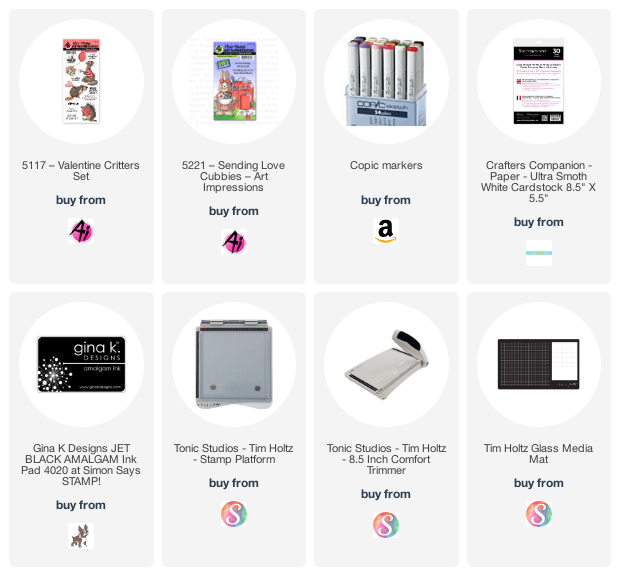
I used the Valentine Critters set along with the Sending Love Cubbies stamp and die set to make this interactive Valentine's Day card.  When you first look at the card the envelope is closed, but it opens the top flap when you pull the tab. 
I started by stamping the images onto Spectrum Noir Ultra Smooth card stock with Gina K Black Amalgam ink and colored them with Copic markers.  The colors I used will be listed at the end of this post.  I then cut the image with Cutter Bee scissors.
I used the dies from the Diamond Press Happy Mail Holder Message Set to create the envelope  element.  The die sent came with simple instructions.  I cut all of the needed pieces from pink and white shimmer paper. I added all of my colored elements to the card front with glue and the otter is on foam tape. 
Copic Colors Used:
Otter - E30, E31, E33, E35, E37
Shirt - C1
Pink - R81, R83, R85
Green YG61, YG63

Thanks for stopping by and Have a Great Day!

Monday, January 11, 2021

Ai Friends Are Never Far Away by Bri Firth

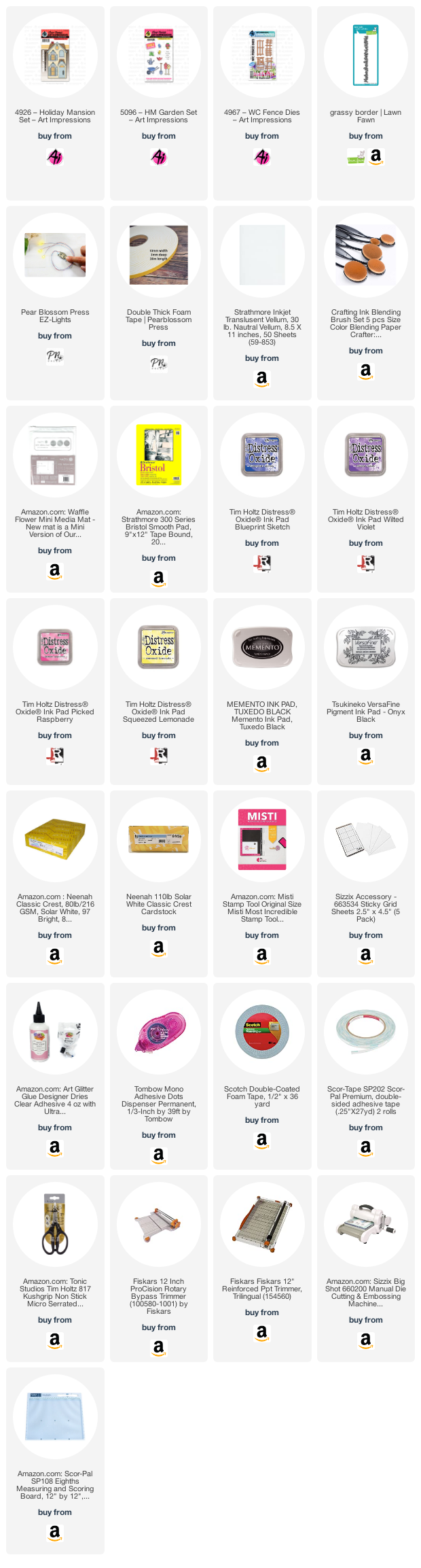
Hello Ai Fans - Bri here! Today I am sharing an interactive card featuring the Holiday Mansion stamp set, HM Garden stamp set, and EZ-Lights from Pear Blossom Press!  This card is also featured on my personal blog, check it out here


First I ink blended a rainbow sunset background using Blueprint Sketch, Wilted Violet, Picked Raspberry, and Squeezed Lemonade Distress Oxide inks. I used pigment black ink to stamp a sentiment on top of the sunset background. Next, I die cut the grass borders and the wooden fence and used them to create the outdoor scene. I used Copic markers to color the holiday mansion and the garden accessories. I used the V20's series to color the house. I used the steps below to make the windows illuminate. I finished the card by placing the garden accessories throughout the scene. 

How I create a light up card:
  • Color the image, use an X-Acto Knife (or dies) to cut out the areas on the image where you want the light to shine through (i.e. the house). 
  • Select your image placement on the card background (sunset background) and with a pencil trace the openings onto the card background. Now you know where to attach the lights!
  • Use glue dots, tear tape and Scotch tape to adhere the EZ-lights mechanism (battery holder and button, the wires, and the lights) to the card background. I attach the lights to the background so that the illuminated areas aren't so concentrated.
  • Add vellum to the back of the house to hide the lights and attach the image to the card background using double layered foam tape to account for the height of the battery and button mechanism.
  • Attach the house to the card base. 
  • For final touches add a "Push Here" button and now you have a light up card!

On the inside of the door openings stamped the sentiments onto distressed gray cardstock. I stamped the sentiment in the large door way opening and I stamped the "Push Here" sentiment inside the smaller doorway for the light up mechanism. 

Check back next week for more Ai inspiration made by me!

Ai Products Used: