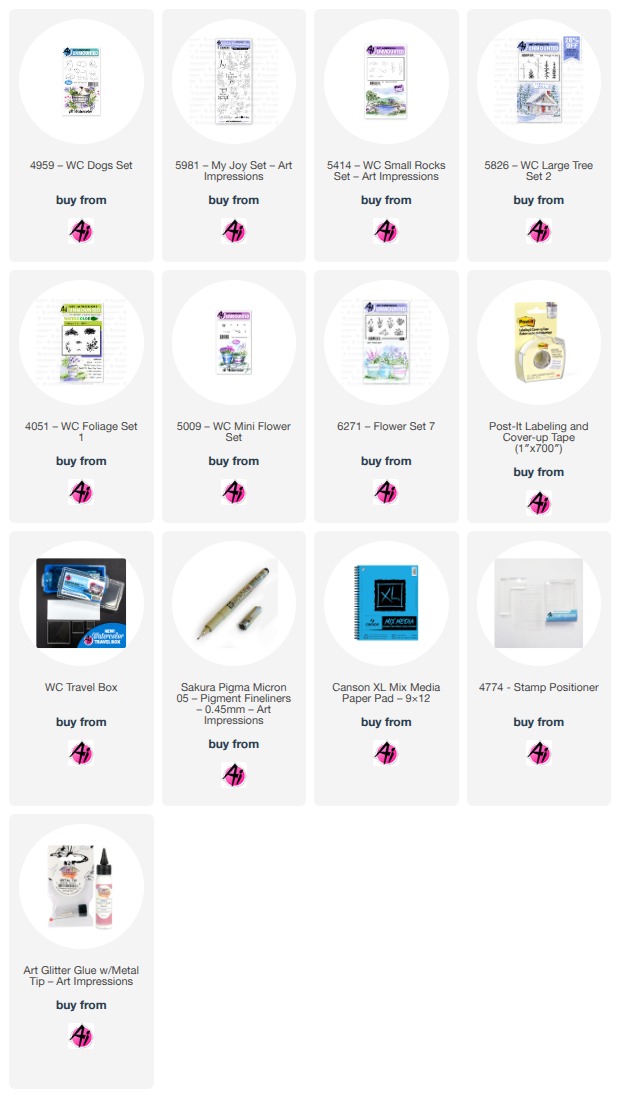
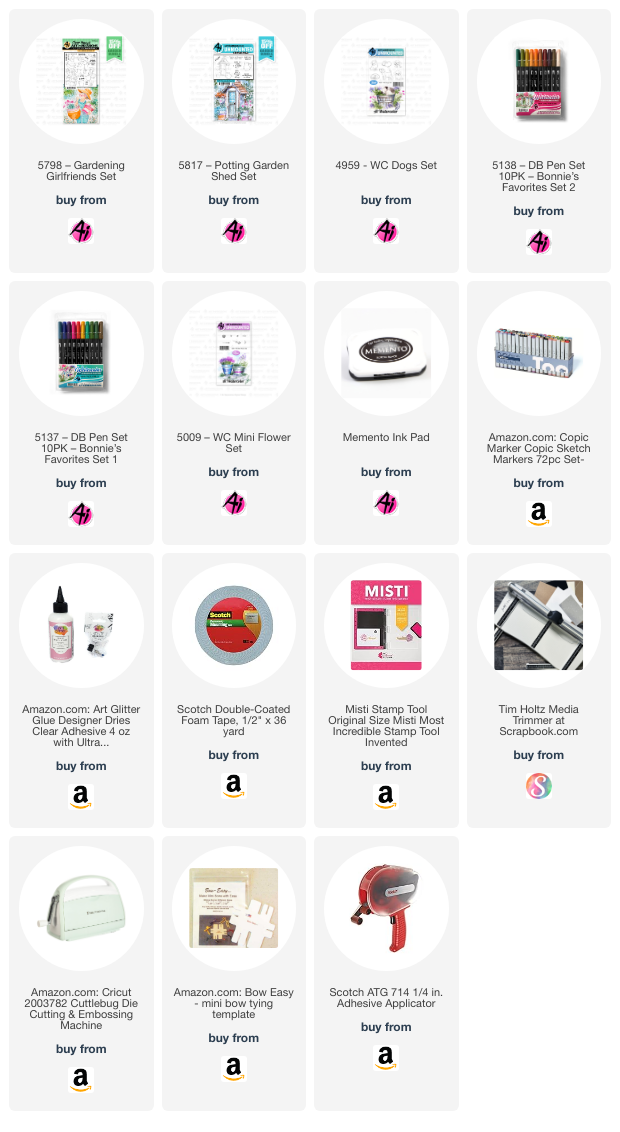
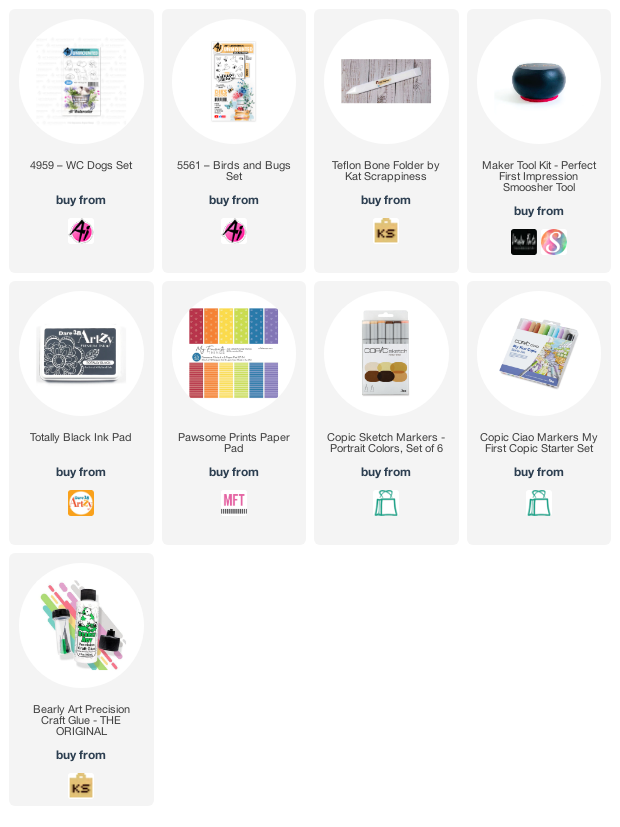
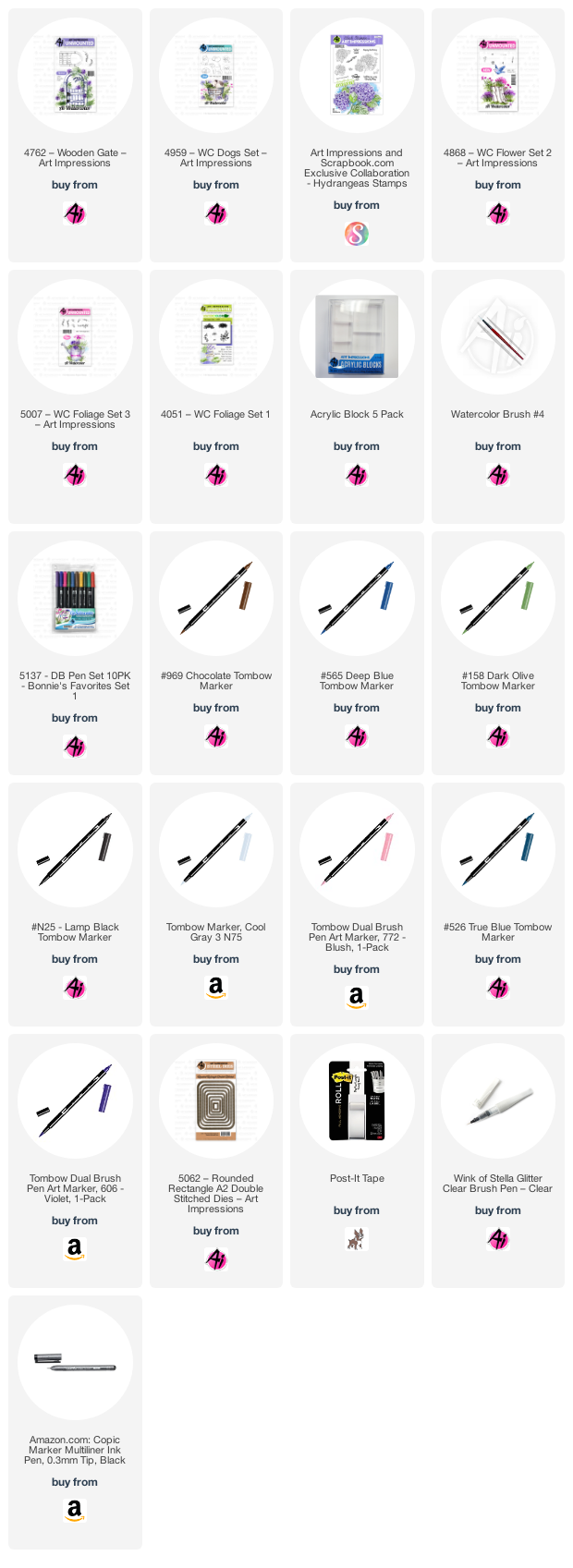
Showing posts with label WC Dogs Set. Show all posts

Saturday, August 17, 2019

Watercolor Weekend Roundup - Three Unique Projects Inside!

Hello Ai Watercolor Fans, and welcome to another Watercolor Weekend post! It's a great day for stamping, don't you think? Check out these three lovely projects to inspire your weekend creations! Remember to check out the pink links by the designer's name to hop over to the personal blog, instagram, or other accounts so you can continually be inspired throughout the week!

Dot Freel - Instagram - Blog - Pinterest
Hello Friends,

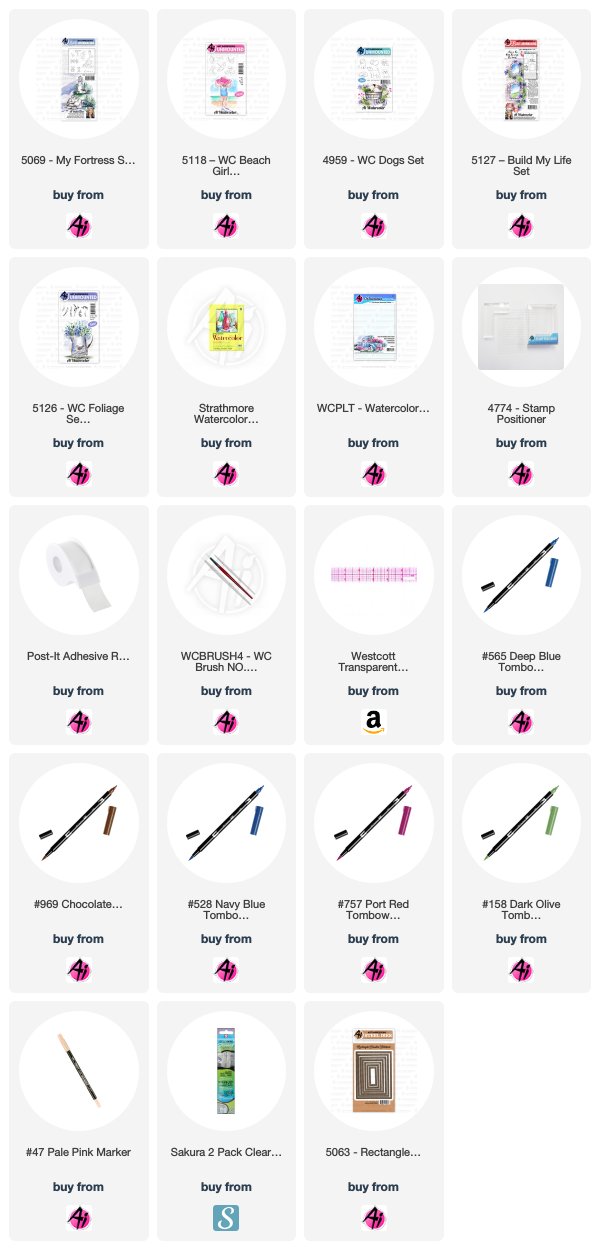
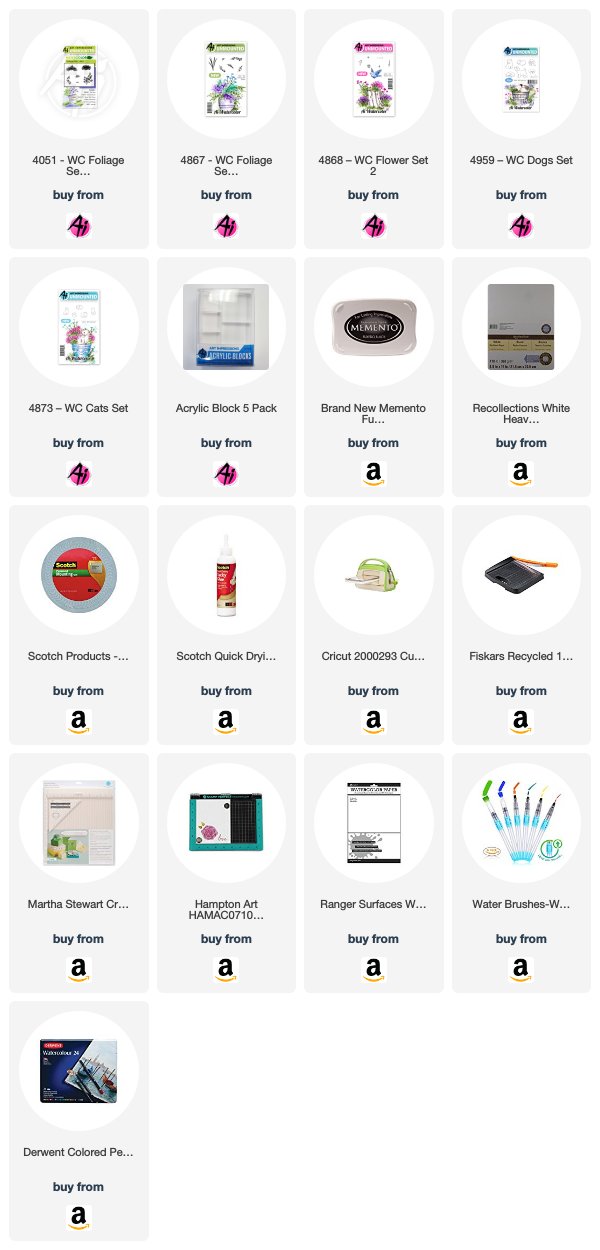
I hope you like my beach scene card I made using Art Impression's stamps for the Watercolor Weekend. I wanted to make the brick wall after watching Art Impression's Creator/Owner Bonnie Krebs Bible Journaling video on YouTube, where she showed us you have to add the color first. The first thing I stamped was the lighthouse from the 5069 - My Fortress Set. I inked it up first with the brown 969, then I inked it up with 565 but I didn't ink the water part on the bottom of the stamp. I stamped it off on a piece of scrap paper before I stamped it on my watercolor paper. I stamped the little girl next from the 5118 - WC Beach Girls Set using the 969 and stamping it off first. I stamped the little puppy next to her from the 4959 - WC Dogs Set using the same 969 and stamping it off first as well. Those Tombow markers are really juicy so I tend to stamp everything off first when I use them. I used a T-ruler and permanent Copic Marker to make the two wall top lines and the bottom line. I used a pencil to make the water line and then colored the water in with 528 and the sky as well. I pulled the color out of the lines of the light house and used 757 on the palette to watercolor the red lines on the light house and the little girls swim suit. I used NO. 47 pale pink to color the little girl's skin. I used 565 to darken the windows, 969 on the roof and door, and then I took the fine tip of the Tombow twin tone pen to darken each window. I used 158 for the hat and the ground cover. I added a little 969 to the cliff side but only used 565 to shadow the rocks and light house. I colored the girl's hair and the puppy with 969 and darkened his eyes, nose and mouth with the Copic marker and then I used that marker to put dots on the rocks in the crevices. I used some 969 and 565 to watercolor the brick wall and then I masked off the little girl, puppy and the top and bottom of the wall with post-it tape runner. I used the bricks from 5127 - Build My Life Set and inked them up with 969, then stamped them off on the scrap paper twice before stamping the wall. I stamped the grasses from the 5126 - WC Foliage Set 4 in the green 158. I inked the birds from the My Fortress Set in 565, and stamped them after stamping them off first on the scrap paper. I took a Sakura Gelly Roll pen and added some glitter. I signed it with my Copic pen and cut it out using the 5063 - Rectangle Double Stitched Dies. I used the largest die to cut out the background piece of paper.


Karen Day - Blog - Facebook - Pinterest
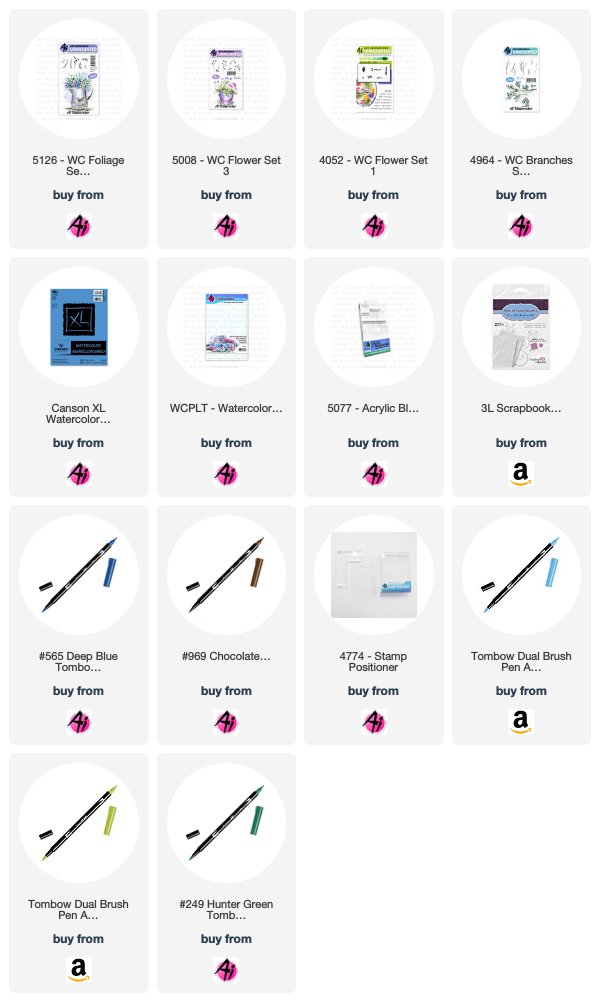
I started by tracing a faint circle in pencil on my Canson XL watercolor paper to use as a guide. I began with the leafy green image from 5126 WC Foliage Set 4, and #249 Hunter Green, stamping it around the circle in both first and second generation. I wanted to have a strong contrast of greens, so I coloured the stem of a flower from 5008 WC Flower Set 3 in #126 Light Olive, and the petals in #565 Deep Blue. To fill in a few areas, I used the tiny foxglove (quite possibly my favourite Ai watercolor flower!) from 4052 Flower Set coloured in #533 Peacock Blue. I love the versatility of this stamp, I can stamp it repeatedly to be as long as I like, and because it's so tiny, it allows me to bend the blossom one way or another to suit my design. Using two of the branches from 4964 WC Branches Set coloured in #969 Chocolate, I tucked branches in and around the wreath to finish it off. I very lightly used my damp #1 paintbrush to dab the leaves and blossoms, keeping them mostly intact (I didn't want to lose the image definition). I used a TT42 - Twintone marker in 42 Navy to add a few dots around the foxgloves to finish them off. I looked at several of the birds from different sets, and found that this one from 5030 On The Sparrow Set in the Ai Bible Journaling collection fit perfectly inside the wreath - so I coloured him with #969 and used my stamp positioner to set him just inside the bottom of the wreath. I pulled out the colour with my brush, and added in touches of #533 on his wings and tail. I kept my wreath quite loose and open, making it slightly irregular - and really love the look! I can hardly wait to try a fall version. I matted the image on some periwinkle cardstock and stitched it down with my sewing machine. I tied some twine around my kraft cardstock base and attached the image with some pop dots.


Tricia O'Bin - Blog - Instagram - YouTube - Pinterest - Facebook
Hi Watercolor Fans! Welcome back to Art Impressions watercolor weekend. For my project this week, I decided to make an interactive card. This was so much fun to make. Come along with me and I’ll tell you how I made my Reveal Wheel Wagon.

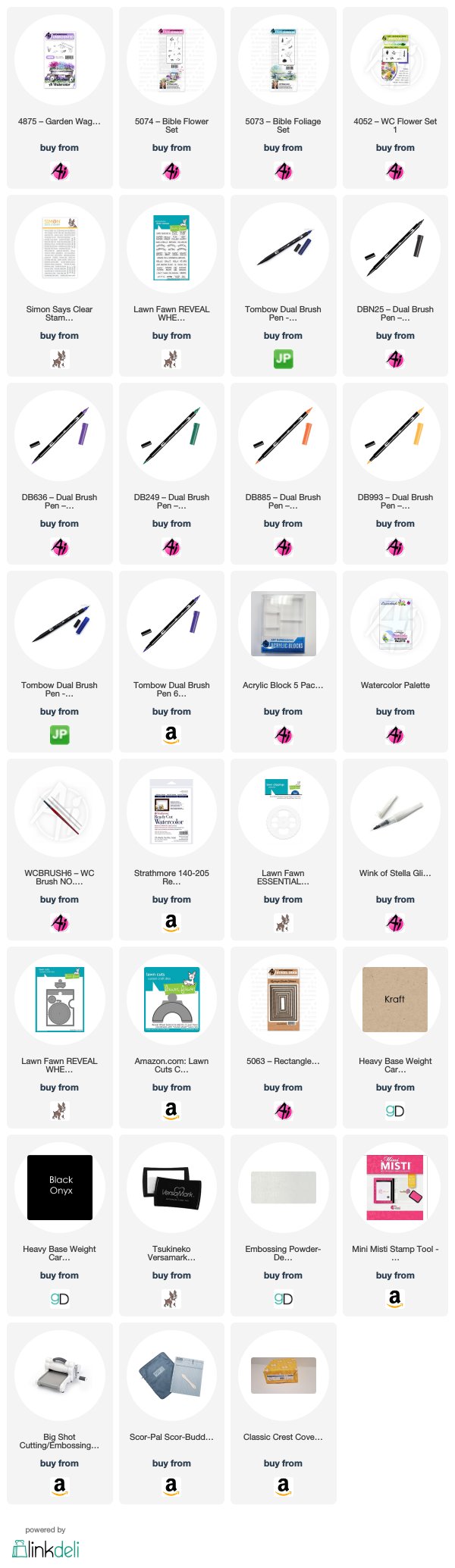
I wanted to create a watercolor card using my new reveal wheel dies. I used the Add-On window and Essential Shapes stencil. I cut a rectangle out of the watercolor paper. First, I inked up the wagon with N25 & 569, stamped it off and stamped it in the bottom right corner of the paper. I used my Round 6 brush to pull the color out of the lines making sure the sides are darker and leaving a highlight. 

I added some additional color from my palette. Next, I inked up the small grass from the original foliage set with 249. I stamped it underneath and around the wagon. I pulled the color out of the lines. I inked the leaves up and stamped them along the top of the wagon. I wanted to make sure to stamp outside where the window will be so the flowers on the wheel fit.

I cut the wheel out of watercolor paper. Using the template, I stamped more foliage and flowers in different colors on each side. (After I already cut it I realized I didn’t need the template as by doing the whole wheel there is no break in the flowers). I used the small vine and the medium vine inked in 249 and stamped it several times. I added the small dots, daisy bunch and single flower to the wheel. I chose pink, orange and purple as they go so well together and I wanted it to be cohesive. I added water to the foliage and then the flowers. I added some additional color from my palette (mostly yellow onto the orange flowers). I added some wink of stella to the flowers and the wagon for a bit of shine.

Using 565 from my palette, I added a sky, which I also used on the wheel so it would blend with the background. I signed and dated it. I used a scrap piece of black card stock with the reveal wheel die and did some partial die cutting. I embossed the celebrating you from the Simon Says Stamp Tiny Words stamp set to it with white embossing powder.

I cut the craft paper with the reveal wheel card die. There are lots of YouTube videos on how to put the card together. I cut the opening in the watercolor paper (after making sure my wheel lined up). I then cut another window in the Kraft card stock in the same spot. I added my wheel and assembled the card. I added it to a white card base. To complete it I stamped the arrow so you know which way to spin the wheel (not that it matters in this instance).

I love to find ways to stretch my dies and stamps and this worked perfectly. I think I may do some more of these.

Thank you so much for stopping by and I hope you join us this watercolor weekend. Tag us on Instagram with #AIWatercolor and #AIStamps. 

Have a crafty day!


Thanks, team! We love how creative and diverse the projects are this week! From larger scenes like Dot's to beautiful wreaths like Karen and even interactive cards like Tricia, there is so much you can create with Art Impressions Watercolor stamps! Have a super weekend!

Happy Stamping!

Friday, October 26, 2018

Garden Window by Cheri Burry!

Happy Friday Ai Fans!
Today I am trying my hand at Watercoloring my cards using some Zig Clean Color Real Brush markers. I still need lots of practice but I have to admit how fun they are! I also wanted to show you a different way to use the "Garden Window MTF" stamp set. 
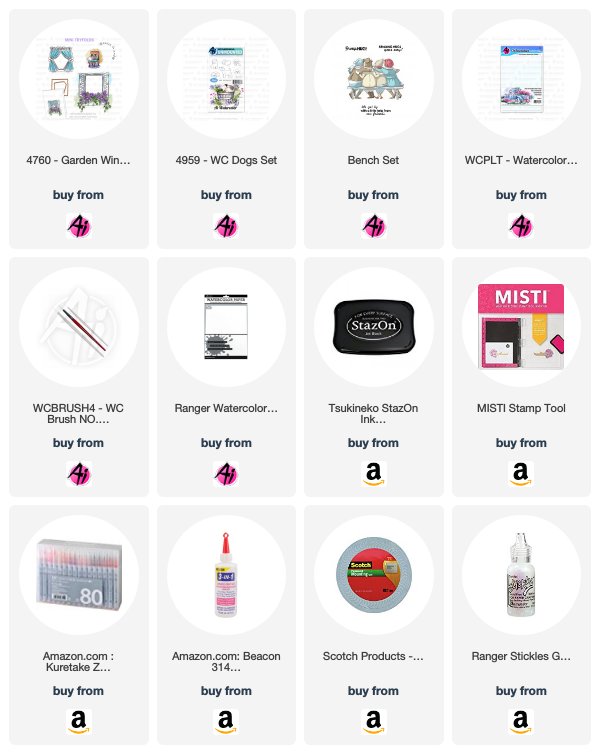
The Garden Window set is actually a set to make a Mini Try-fold card. Instead of creating a try-fold card, I decided to just use the main image and add a cute puppy from the "WC Dog set" peeking out the window. I started by stamping the window with Stazon Black ink on watercolor paper. I stamped it a second time on a post-it-note to create a mask so I could add the puppy in the window. Next I used my markers, a water brush and the Ai "Watercolor Palette" and watercolored my image. I added some Yellow Stickles to the flower middles for that tiny bit of sparkle.
I made a set of 3 coordinating cards and tied them together with some white ribbon. I think it'll make a nice gift. I actually used the sentiment from the Girlfriends "Bench" stamp set.
Zig Clean Color Colours Used:
Light Blue, Cobalt, Lilac
Yellow, Mustard, Beige
Deep Green, Light Green, Flesh Colour
Light Carmine, Light Pink
Dark Brown, Blue Grey

It's always fun to see how you can use your stamps differently then intended to get the most out of your sets!
Happy Stamping!


Supplies:

Sunday, September 16, 2018

Water Color Wagon by Reneé Matarese

Hello Ai fans!

Today I'm sharing the card that I made for my sister-in-law's birthday.  She's a HUGE animal lover and has a dog and two cats so I know she'll love this.


I used


Marvy Markers used:
3 Blue, 4 Green, 48 Leaf Green, 78 Orchid
96 Jungle Green, 102 Jade Green


Sunday, September 2, 2018

Circle Water Color Card by Reneé Matarese

Hello Ai fans!

Today I'm sharing a water color card with you.

I used


I've been stamping for about 12 years now and have loved Art Impressions since the beginning.  I am still very new to water color cards though.  I'm really trying to make more of them because I know I won't get any better if I don't practice. 


I still look at hundreds of other card makers and think theirs are SO much better but I'm not embarrassed to share mine anymore.  Baby steps...lol!

Marvy Markers used:
3 Blue, 4 Green, 48 Leaf Green, 78 Orchid
96 Jungle Green, 102 Jade Green


Wednesday, August 22, 2018

NEW VIDEO! Doggy In The Window by Kendra Krebs

Hi Ai Fans!

We're BACK with another fabulous Watercolor Wednesday video, featuring the ultra talented Kendra Krebs for the month of August! Watch Kendra create an adorable pup peeking through a barn window, with a sloping landscape background. She creates this entire scene with only two stamps! Don't forget to subscribe to our channel, and you pin this project to your Pinterest to easily find later!

Happy Watercolor Wednesday!


View on YouTube: https://youtu.be/9_RJDfBnqbg


Saturday, August 18, 2018

Watercolor Weekend Roundup - Doors of Possibilities!

It's time for another Watercolor Weekend! Come check out these three amazing projects from our Watercolor Design Team, created to inspire your weekend projects! Let's take a look!

Dot Freel - Instagram - Blog - Pinterest
Hello Watercolor Friends,

I made this card for the bi-monthly Art Impressions Watercolor Weekend Roundup using the truck from the 5011 - WC Truck Set and I used the quail family from 4207 - Feathers TF. As you can see from the pictures, I have quail that travel through my back yard, every spring. Do you see the little baby chick on the log? They make the cutest sounds and I just love how protective the parents are of their sweet little chicks. The flower stamps I used are from 4868 - WC Flower Set 2 and the grass is from 4051 - WC Foliage Set 1. The sentiment is from the set 4903 - WC Sentiments.

Other Supplies: Ranger Watercolor Paper

Tricia Kennedy - Instagram
My “Dimensional Door” project for today’s Watercolor Weekend is a tiny 3D delight. So get out your X-Acto knife and foam tape! Lets get started. 

Stamp the door from the Door Set on your watercolor paper using a combination of Sepia and African Violet which creates a lovely grey. Stamp the foliage from Foliage Set 3 in Olive Green near the base of the door and around the top. Add in the long stem flower from Mini Flower Set in Scarlet and Olive Green. Watercolor the Art Impressions way by pulling the color from the lines with your paint brush and water. Next, stamp in the tiny dot flowers Mini Flower Set in Scarlet. Using the fine tip of African Violet, darken the hinges on the door and the key hole. On a separate piece of watercolor paper, paint in a line of Sepia, free-hand a small vase sitting on top in African Violet, then stamp the long stem flower from Mini Flower Set in Scarlet and Olive Green and foliage from Foliage Set 3. Watercolor the Art Impressions way by pulling the color from the lines with your paint brush and water. And finally, it’s time to get out your X-Acto knife. Using the edge of a metal ruler and your X-Acto knife, cut down the middle, top and bottom of the door. Then cut out the windows. Score at the hinges and bend slightly open. Place foam tape on the backside of the door watercolor paper and align the vase watercolor behind.


Other Products: Post-It Notes, Foam Tape, X-Acto Knife, Metal Ruler, Scoring Tool

Tricia O'Bin - Blog - Instagram - YouTube - Pinterest - Facebook
Hello Art Impressions Fans and welcome to another Watercolor Weekend. I am excited to share my Sleeping Dog project with you. This is a fun summer project that is easy to create! My design team colleagues and I would love for you to join us on Instagram using #AIWatercolor.

I used several sets to create this sleeping dog project. I stamped the sleeping dog from the Mini Critter set. I masked him off and stamped the Chair from the Wooden Chair Set. I masked that off and stamped the bricks from the Cobblestone set. Once these were stamped, I pulled the color out of the lines and added additional color with my watercolor palette. I masked off the dog and stamped some small grass around him and the chair.

I masked the chair off and stamped the Birch Trees from the Covered Bridge stamp set. I pulled the color out from the outside of the trees. I added more leaves with the leaves from the same set. I added the left and right grasses from the Garden Wagon mini set. I then added the flower bunch to the right side of the chair. To finish it off, I added some Blue to the sky.

Check out my blog for more details! Join us!

Marvy Le Plume II Markers: 86 African Violet45 Sepia15 Olive Green8 Violet3 Blue20 Magenta

Thank you for your beautiful projects, team! Comment below to let us know what you most enjoyed about this week's edition! Happy Stamping!

Monday, June 4, 2018

Hello! Shaped Watercolor Card by Carol Hintermeier

Hello Ai Fans!  

I am so excited and thrilled beyond words to be making my first post as an Art Impressions Design Team member!!!

For my first post, I thought it very fitting to say "Hello!" to you all by using a few of my watercolor stamps (yep, I have quite a lovely collection of them!).  I live in an area that is fortunate to have two of the big crafts shows nearby and Art Impressions is at both!  For a few years, I watched Bonnie Krebs demo in their booth and for the longest time thought that I could never do that!  Finally, in 2015, I took an Ai watercolor class at the Scrapbook EXPO and was totally hooked!!!  If you watch Bonnie's videos and hear her say, "you can do this," it's true!!!!  Go to Ai's YouTube channel and find some of the earlier videos to get started--anyone can do this!!  Can you tell I'm a fan?  LOL!

I created a circular card and died some ribbon to get a perfect match!


Here's how I died the ribbon.  Scribble your marker, spritz with a bit of water, and dunk it in.  I blotted this one onto a paper towel to lighten the intensity of the color.  Let it dry and it's ready to use.


I added a little tag with "hello" stamped onto it.


Thank you so much for stopping by!!  Happy stamping!


Saturday, January 20, 2018

Watercolor Weekend Roundup - Love In the Air

Hello, Ai Fans! Our winter break from Watercolor Wednesdays is almost over, and our Watercolor Guest Design Team is excited to show you some wonderful winter-y and love-y watercolor projects! From friendship cards to love notes, and even masculine tags, we got you covered this week!

Dot Freel - Instagram - Blog - Pinterest
Hello Watercolor Friends,

I'm happy to share this card I made for the Art Impressions Watercolor Weekend roundup. I have puppies on the brain since my granddaughters both got puppies for Christmas. I plan to make similar cards for them for Valentine's day. I used the 4959 - WC Dogs Set, the 4873 - WC Cats set and 4965 - WC Bench set. I used the basket from the Exclusive for 2017 Garden Set. You can only get the exclusive sets by attending the classes at the shows. I wonder what the exclusive set for 2018 will be? Two of the flowers were from 4052 - WC Flower Set 1 and two more flowers were from 4868 - WC Flower Set 2. The grass and leaves are from the 4051 - WC Foliage Set 1 and the set 4763 - Southwest. I used a Wink of Stella pen to add glitter to the flowers. The sentiment is from the In The Air Set - 4753.


Tricia Kennedy - Instagram
My project for today’s Art Impressions Watercolor Weekend, “Love Bird”, will help you get a jump on your Valentine’s cards.

Begin by stamping the bird onto a mirror stamp or even acetate. Position the stamped image, press down and transfer the stamped image onto the watercolor paper. Then stamp the bird using your Stamp Positioner next to mirror stamped bird. Next, stamp the daisy bunch from 4052 WC Flower Set 1 in 2 Red and 66 Dusty Pink in a heart shape and fill in with the leafy branch from 4867 WC Foliage Set 2 in 15 Olive Green. Pull the color from the lines on the foliage and flowers using your Watercolor Brush No. 4 and water. Onto the birds, use the Watercolor Brush No. 1 to pull the color. Darken any lines with the fine tip of 45 Sepia. Scribble a little 2 Red onto your Watercolor Paletteand brush onto the chest of the birds. Finish with a little bling for that extra sparkle!


Marvy Le Plume II Markers: 2 Red, 15 Olive Green, 45 Sepia, 66 Dusty Pink
Other Supplies: Swarovski size 10ss jewels, Crystal Katana, Stamps of Life Mirror Stamp, Glossy Accents

Tricia O'Bin - Blog - Instagram - YouTube - Pinterest - Facebook
I used my stamp positioner to place my Rustic Cottage to the middle of the tag. I inked it up using African Violet on the roof and Sepia on the rest of the cottage. In order to protect the cottage, I used a post-it note mask while I stamped the birch trees (inked with Sepia and a little African Violet) behind it. Once again, I used the stamp positioner to place it perfectly.
Once the stamping was complete, I removed the mask and using my paintbrush and water I pulled color from between the trees into the background and sky. I let some of the paint in the sky dry and then came back in with additional water for some hard edges.
I pulled color from the edges of the roof (that were inked with African Violet) to create the illusion of a snowy roof. Then, I pulled the Sepia from the cottage and added some additional Sepia and a mixture of Sepia and African Violet (creates a nice gray) from my palette and added it in lines to create a worn wood look.
Using my palette, I added some African Violet to create some snow underneath the trees and next to the cottage. I added some Prussian Blue to create a stream. You will notice I wasn't too worried about the right had side of the piece as I am going to die cut this out and that will be cut off.
On one of the tags, I used the small fir top to create some pine trees using Pine Green.
Check out my YouTube channel and Blog for more information on how to create these Watercolor Tag Money Holders.
Other Supplies: Post-it notes, Scissors, Tim Holtz Tag DieBig Shot MachineAltenew Garden Hydrangea Stamp SetScor-BuddySilver Brush, Black Velvet , Round, Size 8Scor-Tape

Thanks, team! These are fantastic ideas! Have these ideas inspired you? Comment below! If you are craving more sweet inspiration from our team, be sure to check out their social media links!

Dot Freel - Instagram - Blog - Pinterest
Tricia Kennedy - Instagram
Tricia O'Bin - Blog - Instagram - YouTube - Pinterest - Facebook

If we've inspired you, why not enter this week's "Feel The Love" Challenge while you are at it? Simply create a love-themed card and link it to our inLinkz at THIS post, and you'll be entered for a chance to WIN! You have until the end of January to enter!

Happy Stamping!